You’re not making this up. And you can prove it.
Hostile work environment? HR said they’d investigate. Then your evidence disappeared.
As of 2026, ProofSnap is a Chrome and Edge extension that saves harassing messages, emails, Slack and Teams chats and social media posts as sealed evidence for an EEOC charge or an employment lawyer: a SHA-256 hash and a digital signature on every capture, and on every plan except Essential a Bitcoin timestamp.
Radim Motycka, founder and lead engineer of ProofSnap ·
Messages get deleted, complaints get “lost” and reports are “never received.” A sealed copy you make the moment you see it is a record your employer does not control.
Chrome, also for Microsoft Edge · trial requires a card · or $4.99 one-time for 10 captures
On your phone? Email yourself the install link:
Being harassed right now? Do these three things today.
- 1. Save everything.Every harassing message, email and social media post, the moment you see it.
- 2. Report in writing.Email HR or your manager so there is a paper trail, then save that email too.
- 3. Talk to a lawyer before you quit.Quitting can make a claim harder, and some employment lawyers offer a free first consultation.
How it works, in three steps
No technical knowledge needed. If you can open a web page, you can save it as evidence.
1. Install
Add ProofSnap to Chrome or Edge. It stays in your browser until you need it.
2. See it? Save it.
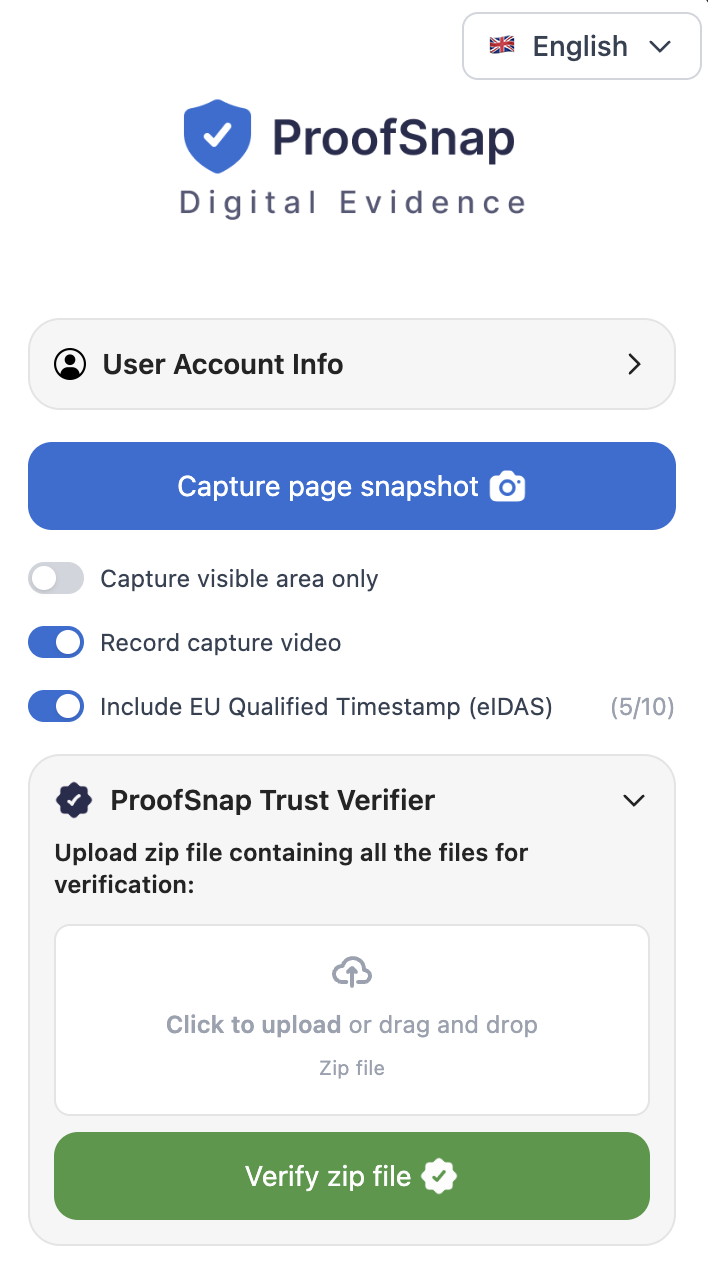
Open the message, email or post and click ProofSnap. The capture is sealed with a SHA-256 hash and a digital signature, and on every plan except Essential it gets a Bitcoin timestamp.
3. Hand it to your lawyer
Download the evidence package. Each capture adds to your timeline, ready for your lawyer or the EEOC.
What happens when you don’t save the evidence
You’re not paranoid. These things happen, and they happen fast.
-
Messages deleted overnight
The harassing Slack DMs, the comments in the team channel, the threatening email: all gone before you saved them. Workplace tools can delete messages under retention settings your employer controls.
Save it the moment you see it.
-
HR “lost” your complaint
You reported harassment and HR said they would investigate. Months later there is no action, no update and no record of your complaint.
Save your complaint and their response, or the silence.
-
Retaliation after you complained
After your report, the bad reviews start, you’re left out of meetings and there’s a “restructuring.” Then you’re fired for “performance issues” that never came up before.
Save your complaint, your earlier good reviews and the termination notice.
-
Social media harassment
A coworker posts about you on Instagram, Facebook or X. In Okonowsky v. Garland the Ninth Circuit held that off-site posts like these can contribute to a hostile work environment.
Save the posts before they are deleted.
Same harassment. Two different records.
Without saved evidence
Your supervisor sends inappropriate Slack messages for months. You take phone screenshots and report to HR. Three weeks later the messages are gone and HR says they found “no evidence.” Your employer’s lawyer says your screenshots could have been edited, and you have nothing to check them against.
With ProofSnap
You capture each message with ProofSnap when you see it. Each capture carries a timestamp, plus a hash and a signature that show whether it was changed afterward. When the messages are deleted and HR goes quiet, your lawyer still has a dated record of when you saw each message.
Two court decisions that show why the record matters
-
Off-site posts counted
A prison psychologist found that a coworker ran an Instagram page with sexually explicit posts about her, followed by about 100 of her colleagues. The Ninth Circuit reversed summary judgment for the employer and held that off-site conduct like this can alter the working environment.
Source: Okonowsky v. Garland, 109 F.4th 1166 (9th Cir. 2024)
-
A fabricated screenshot ended the case
The Second Circuit affirmed dismissal after the district court found that a text-message image had been fabricated, partly because it did not match how any iPhone displays messages. A screenshot with nothing to check it against is easy to attack.
Source: Rossbach v. Montefiore Med. Ctr., 81 F.4th 124 (2d Cir. 2023)
Why a screenshot is not enough
You send a screenshot. Your employer’s lawyer says you edited it.
Your screenshot
- No verifiable timestamp
- Easy to edit after the fact
- No URL or page record
- No chain of custody
ProofSnap evidence package
- SHA-256 hash and RSA-4096 signature: a later change is detectable
- Bitcoin timestamp on every plan except Essential
- The page URL, its HTML and the HTTP response headers
- A chain of custody log for the capture
- 11 to 15 files: screenshot, HTML, PDF report, metadata, logs and video when you record (recording a call with audio needs everyone’s consent in all-party states)
- Provenance Certificate recording six checks of the capture conditions
What is a hostile work environment? Common examples
A hostile work environment means unwelcome conduct tied to a protected characteristic, such as your sex, race, religion or national origin, that is severe or pervasive enough that a reasonable person would find the workplace intimidating, hostile or abusive. A boss who is rude to everyone is not enough on its own. Common examples:
- Repeated sexual comments, jokes or messages, in person, by email or in Slack or Teams
- Slurs or insults about your race, religion or national origin
- Threats or intimidation tied to who you are
- Explicit images or memes shared about you or around you
- Coworkers’ social media posts aimed at you, even when posted off-site
- Punishment or exclusion after you complained about any of the above
Courts look at the whole pattern, so each incident you capture adds to the record.
Save these 10 things
You don’t need all of them, but each one you save strengthens the record.
Harassment evidence
- Harassing emails and email threads
- Slack, Teams or chat messages
- Social media posts (Instagram, Facebook, X)
- Inappropriate images, memes or content shared at work
- The company harassment policy
HR and employer response
- Your HR complaint (email, portal or form)
- HR’s acknowledgment and follow-up, or the lack of either
- Messages about the investigation’s outcome
- Performance reviews from before and after your complaint
- Any retaliatory action (reassignment, demotion, schedule changes)
$4.99 is 10 captures. Capture credits never expire.
From $4.99, no subscription needed
Subscriptions include a 7-day trial; a card is required to start.
Start here
$4.99
one-time SnapPack: 10 captures, including the Bitcoin timestamp
No subscription. Capture credits never expire.
Start saving evidenceEssential, $8.99 per month
100 captures per month, the evidence package, video recording and the Provenance Certificate.
Professional, $16.99 per month
200 captures per month, plus the Bitcoin timestamp on every capture.
Enterprise, $28.99 per month
Unlimited captures and 10 eIDAS qualified timestamps per month.
Filing deadlines and where your rights come from
Federal protection against harassment based on sex, race, color, religion or national origin comes from Title VII of the Civil Rights Act, which applies to employers with 15 or more employees. The EEOC explains the deadline for a harassment charge this way: “In harassment cases, you must file your charge within 180 or 300 days of the last incident of harassment, although we will look at all incidents of harassment when investigating your charge, even if the earlier incidents happened more than 180/300 days earlier.”
Many states have their own fair employment laws, often covering smaller employers or allowing more time to file. Federal employees generally have 45 days to contact an EEO counselor. Check with your state’s fair employment agency or an employment lawyer, and see the EEOC time limits page.
Questions you might be asking right now
metadata.json, so share it only with your lawyer.
You’re not alone. Here’s where to get help.
These are free government and legal resources. They work best when you bring documented evidence.
EEOC: harassment
The EEOC’s official guide to workplace harassment: what it is and how to report it.
EEOC: file a charge
Step-by-step guide to filing an EEOC charge of discrimination online. Free, no lawyer needed.
NELA: find an employment lawyer
National Employment Lawyers Association, a directory of plaintiff-side employment attorneys.
EEOC: retaliation guidance
Official enforcement guidance on proving workplace retaliation claims.
EEOC: enforcement statistics
Official data on charges filed, resolutions and monetary recovery by year.